
Shopping Cart
Your shopping cart is empty!











5 JOD+ Flat Shipping Rate outside Amman
Pick Up from Store
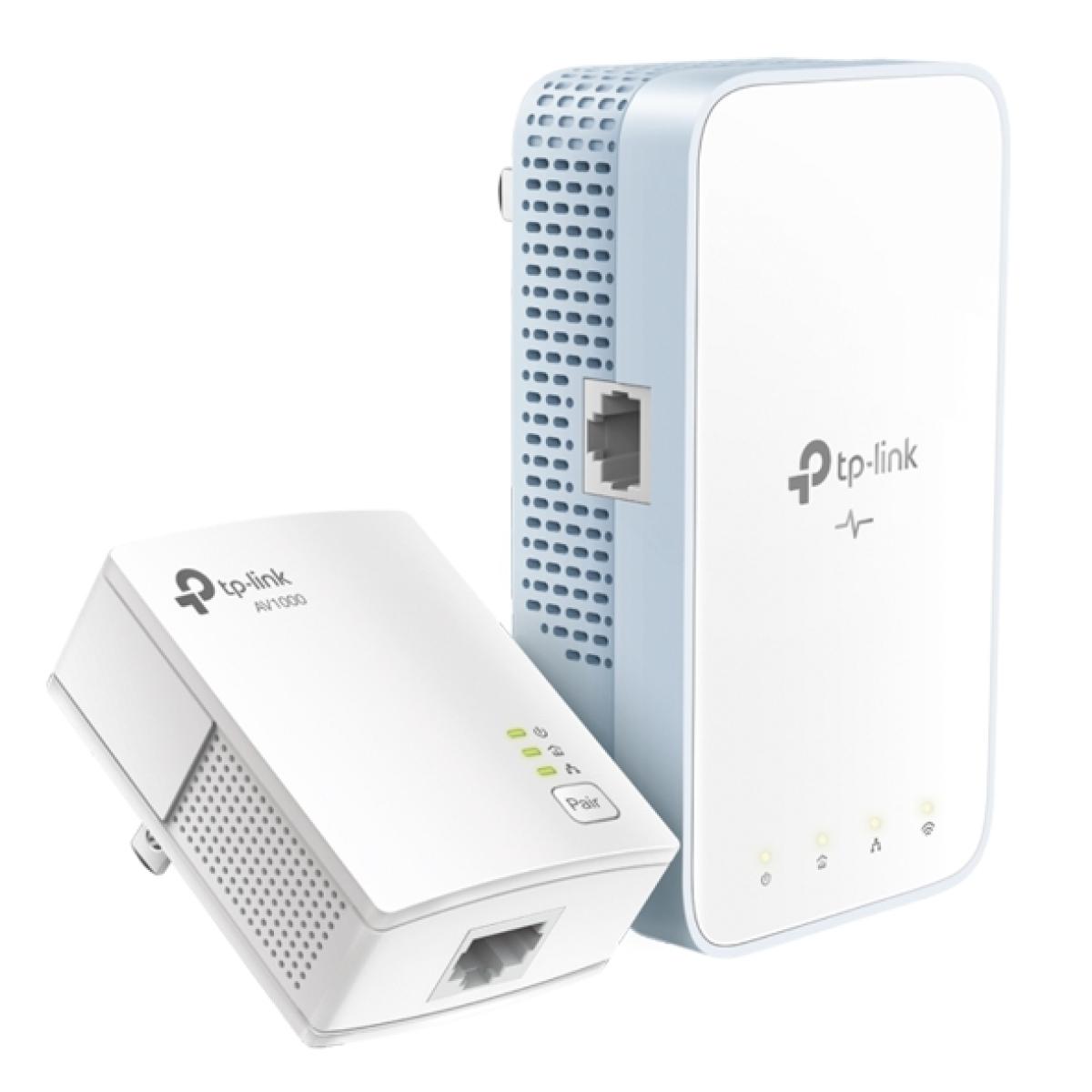
The TP-Link TL-WPA7517 KIT AV1000 Gigabit Powerline ac Wi-Fi Kit is a networking solution that extends your Wi-Fi and wired network using your home's existing electrical wiring. This kit typically includes two units: one powerline adapter that connects to your router via an Ethernet cable and a second unit that provides both Wi-Fi and Ethernet connectivity in another room.
Here's how it works:
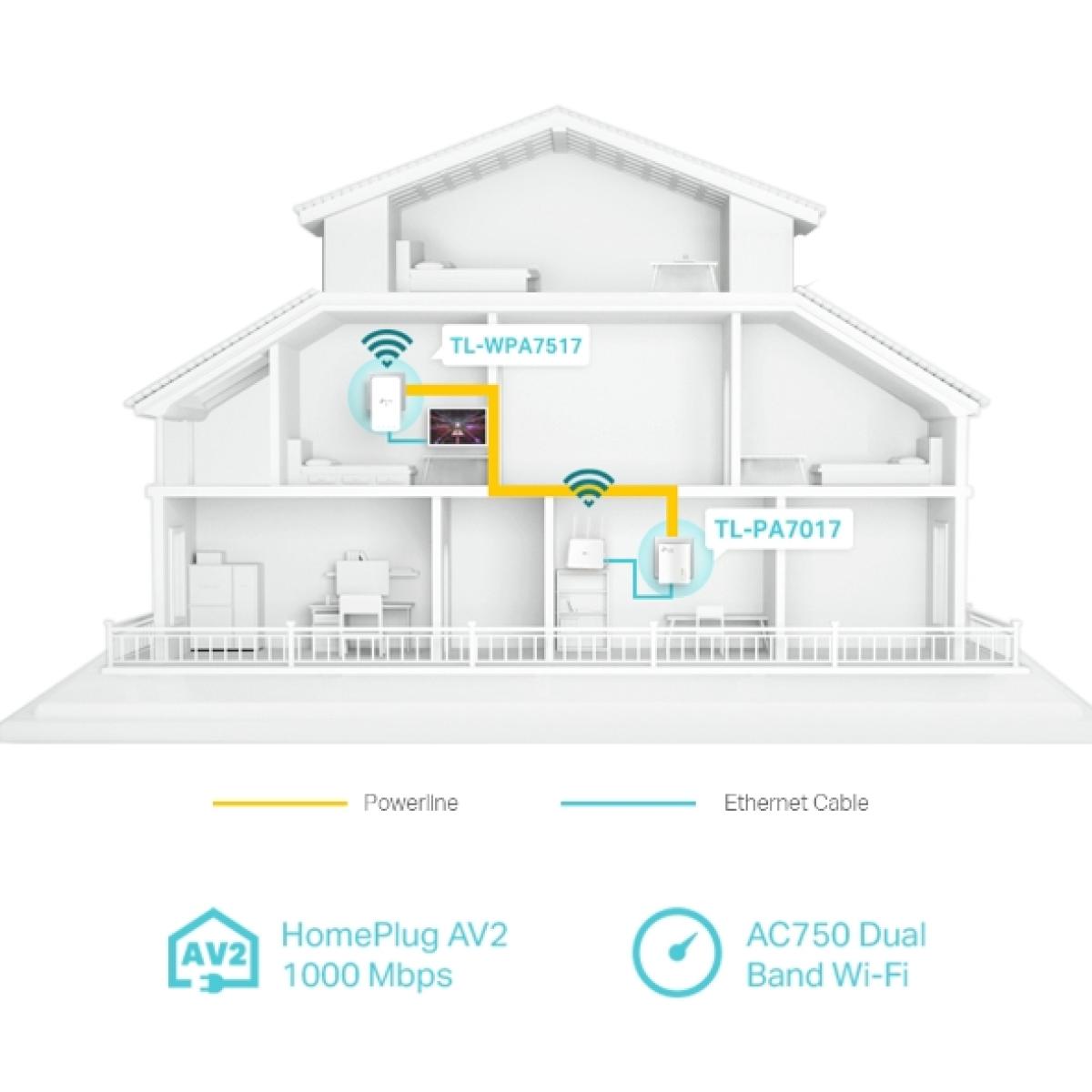
Powerline Technology: The first unit plugs into a power outlet near your router and uses an Ethernet cable to connect to the router. It then uses the electrical wiring in your home to transfer data.
Wi-Fi and Ethernet Extension: The second unit can be placed in any room with a power outlet. It receives the data signal over the electrical wiring and provides a Wi-Fi signal and Ethernet ports for wired connections.
Ease of Use: These kits are designed for easy setup, often requiring no more than plugging in the units and possibly pressing a sync button.
Speed and Performance: The AV1000 designation suggests speeds up to 1000 Mbps, suitable for high-speed internet, streaming, and gaming. The ac Wi-Fi ensures compatibility with modern Wi-Fi standards for better range and speed.
Security: Like most powerline adapters, the TP-Link TL-WPA7517 KIT likely includes encryption to secure your network data as it travels over your home's electrical wiring.
This type of kit is particularly useful in homes where Wi-Fi signals are weak or inconsistent, or where running Ethernet cables is impractical. It's an effective solution for extending network coverage without the complexities of setting up a traditional Wi-Fi extender.
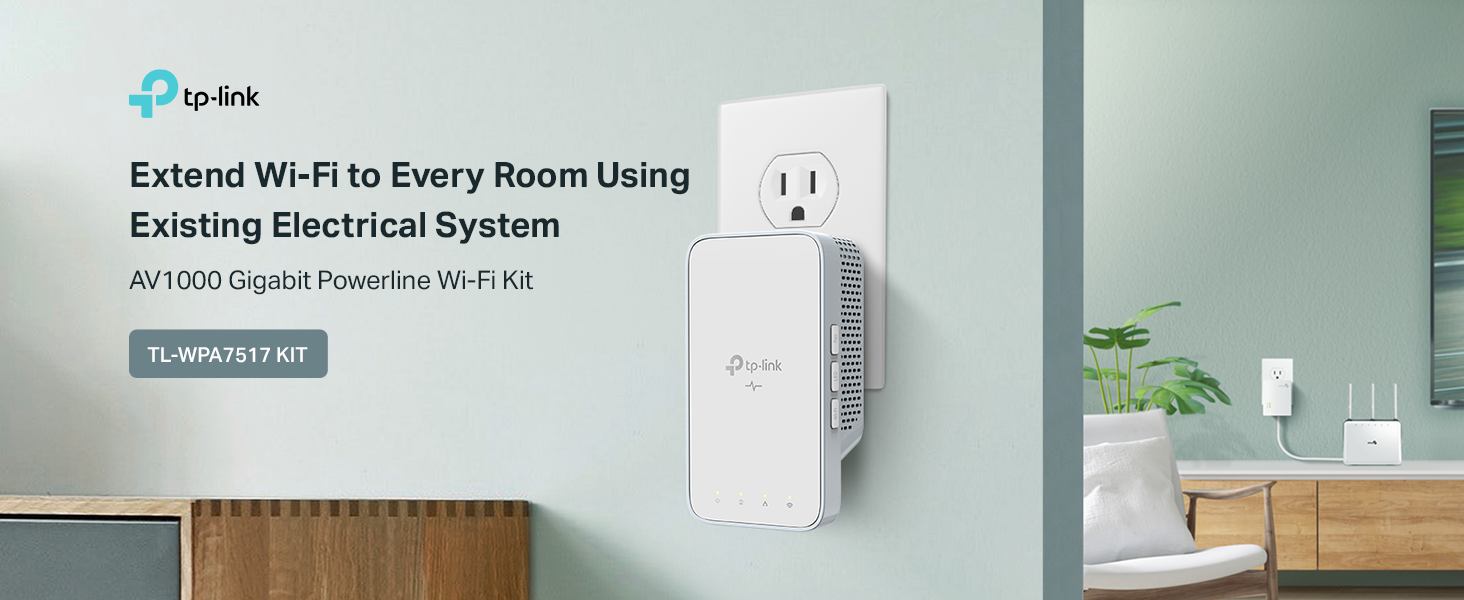
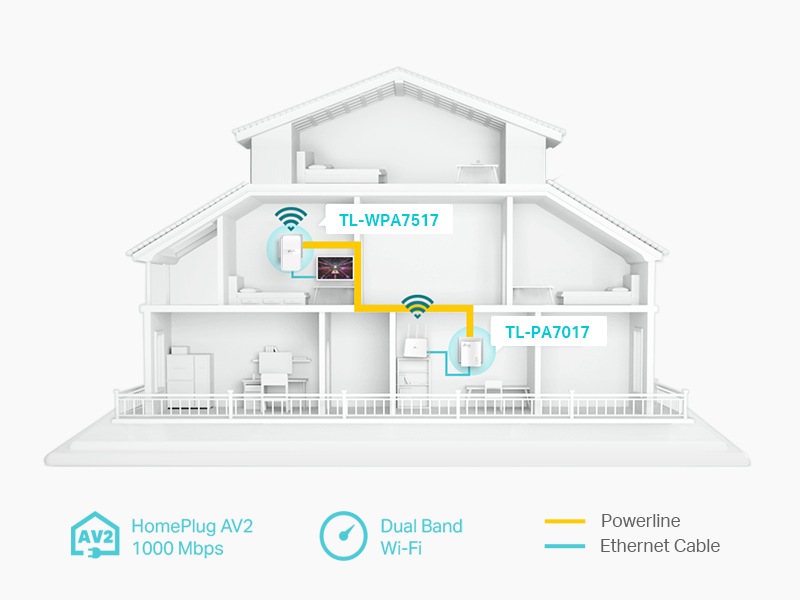
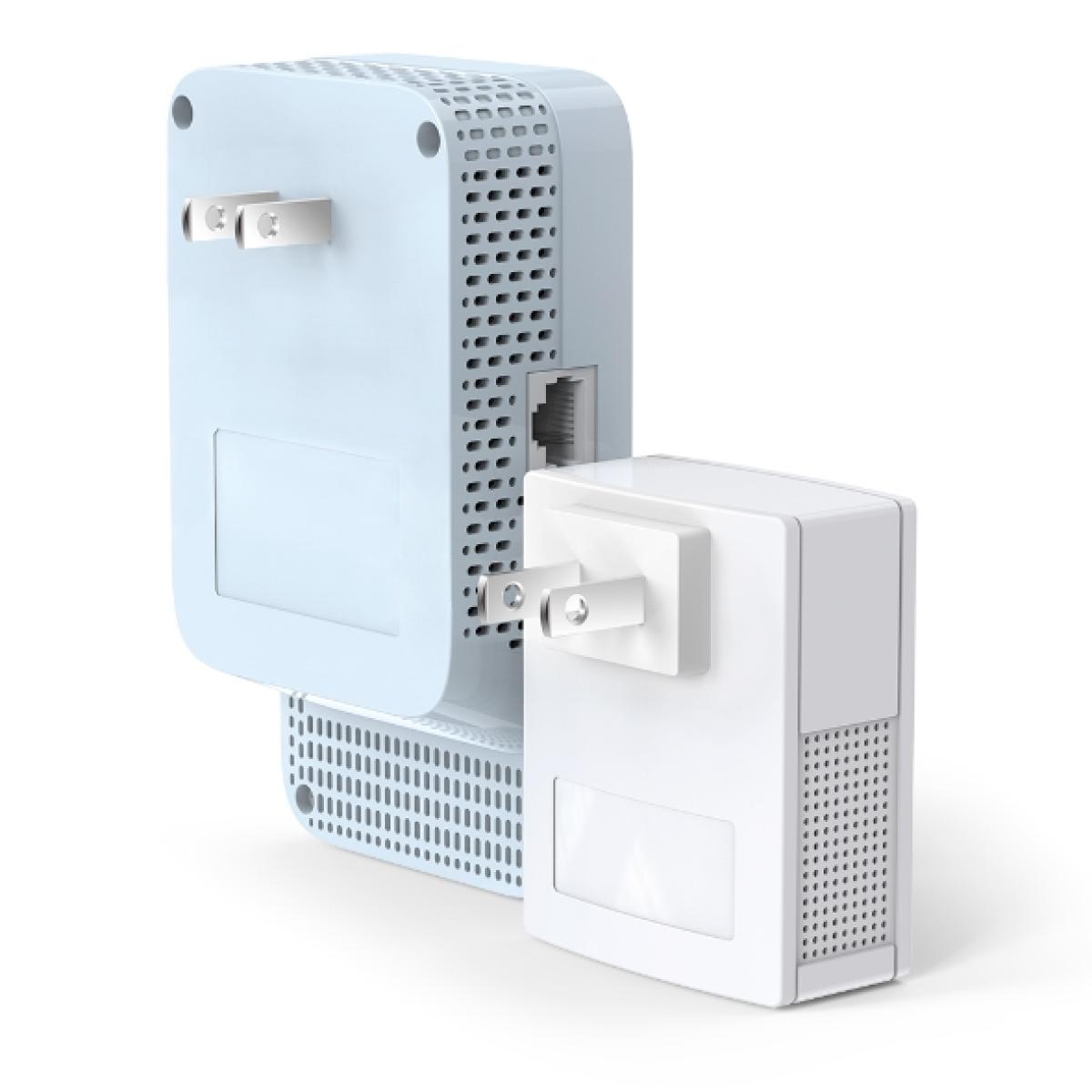
Advanced HomePlug AV2 technology: TL-WPA7517 KIT transforms your home’s existing electrical circuit into a fast network. It brings wired and wireless networks to anywhere there is a power outlet
1. No wiring or drilling. 2. Network passes through walls and floors. 3. Compatible with any WiFi routers and other TP-Link powerline products. 4. Expand coverage by adding more extenders.
*Powerline adapters must be deployed in sets of two or more and be connected to the same electrical circuit
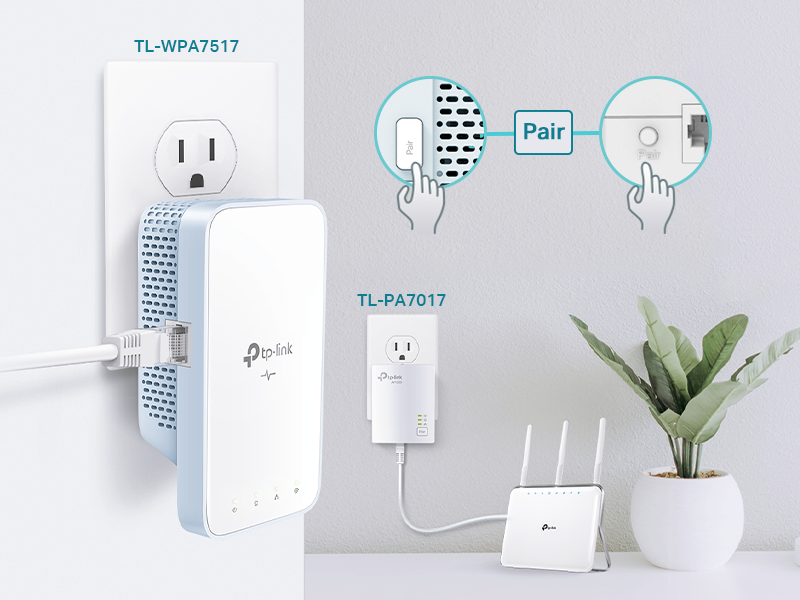
Ditch the complicated setup process for good and get started with powerline in just two steps:
Step 1: connect TL-PA7017 to your router
Step 2: plug in TL-WPA7517 wherever you need wired and wireless internet service.
*Pair for more security: Press the “Pair” button on each adapter for create a more secure network.
*Powerline adapters need to be connected to the same electrical circuit
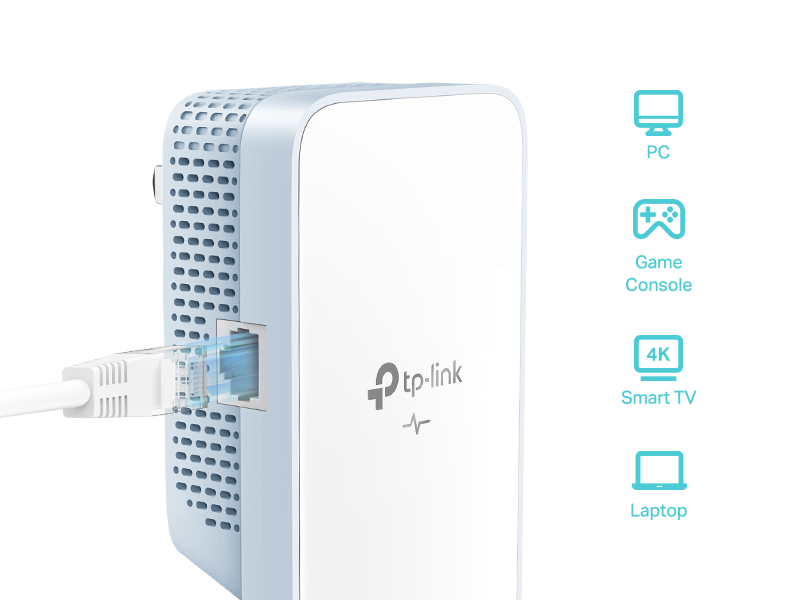
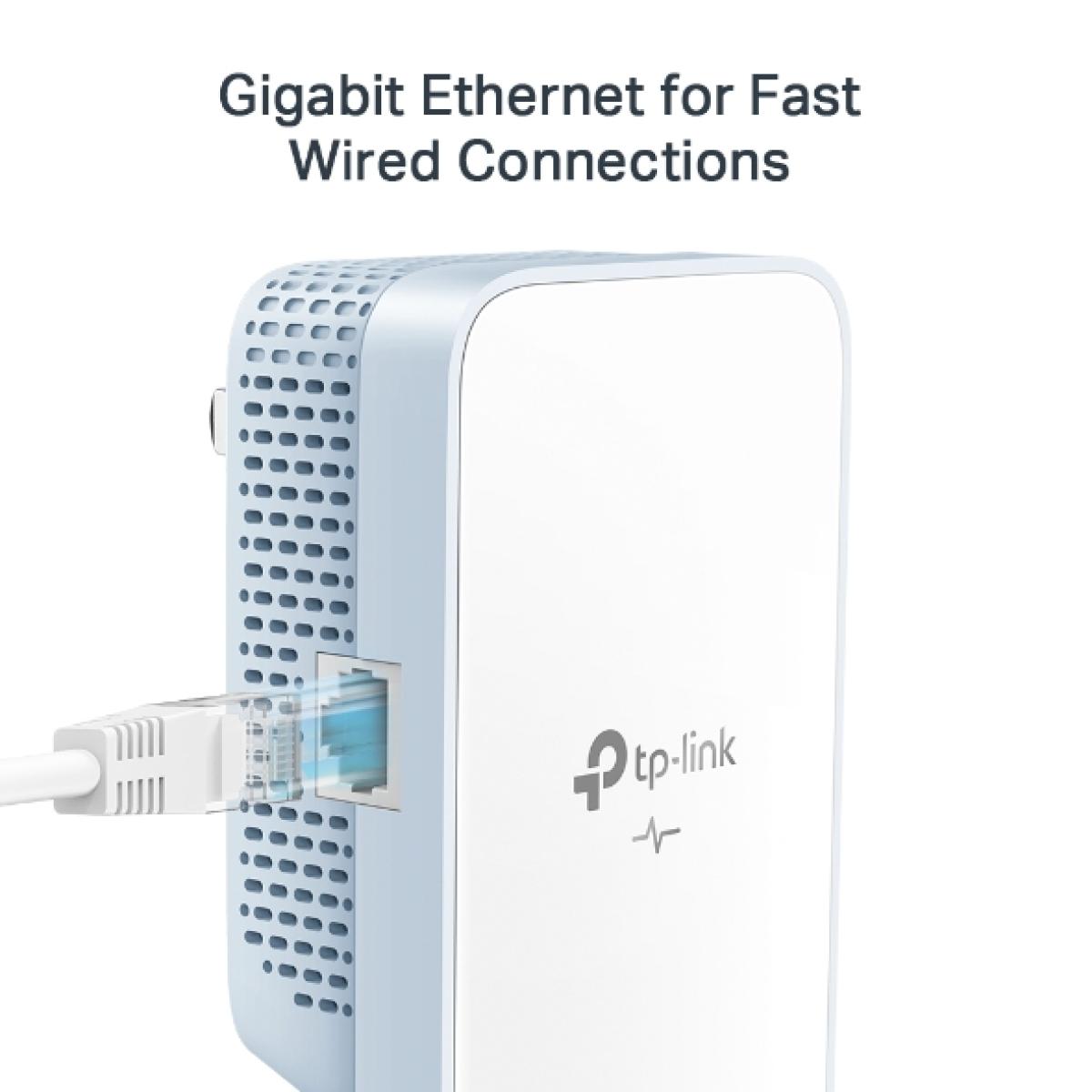
One gigabit Ethernet port provides reliable high-speed wired connection for bandwidth intensive devices such as game consoles, smart TV, and more. You can also connect multiple devices by adding a network switch.
*Two Ethernet cables are included in the box.
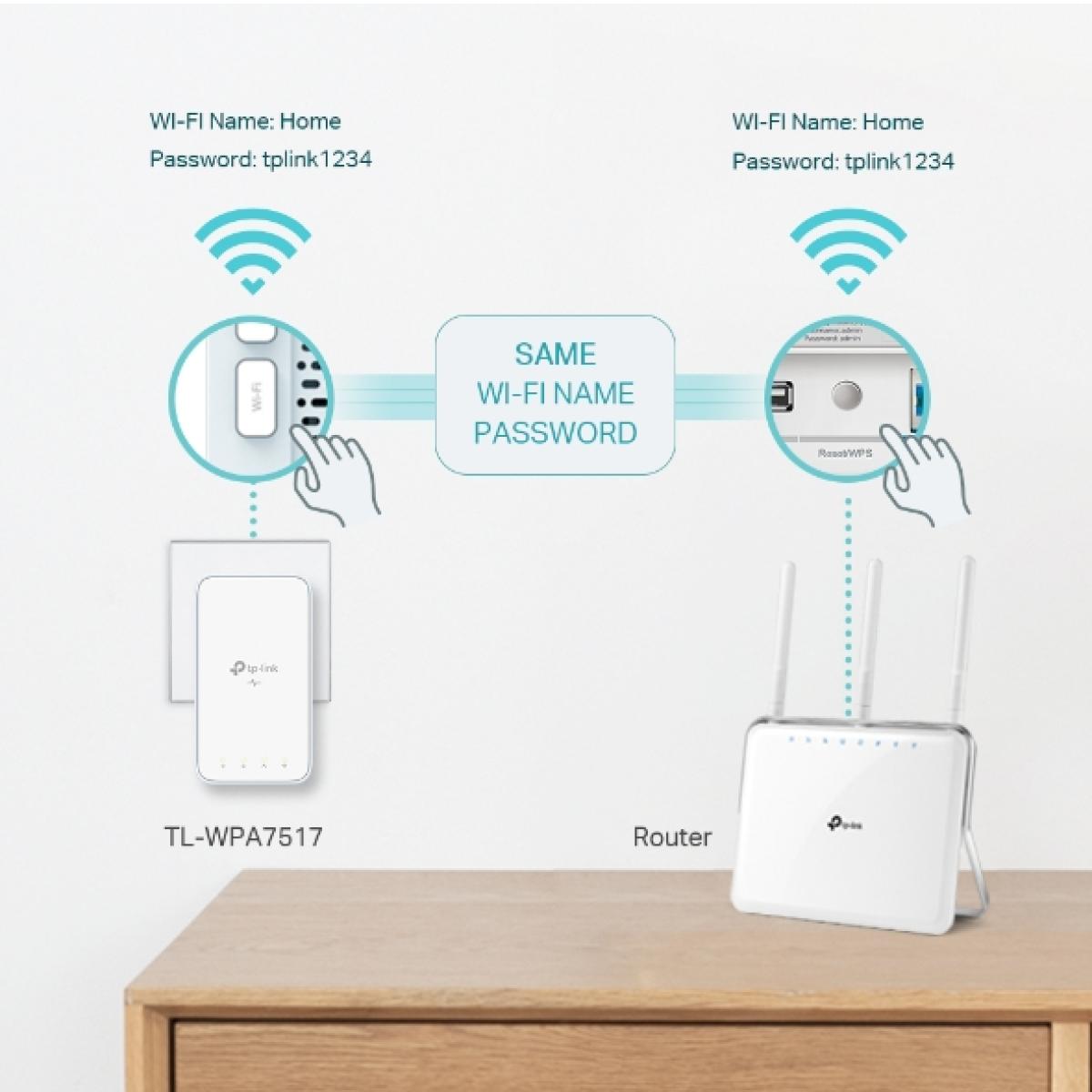
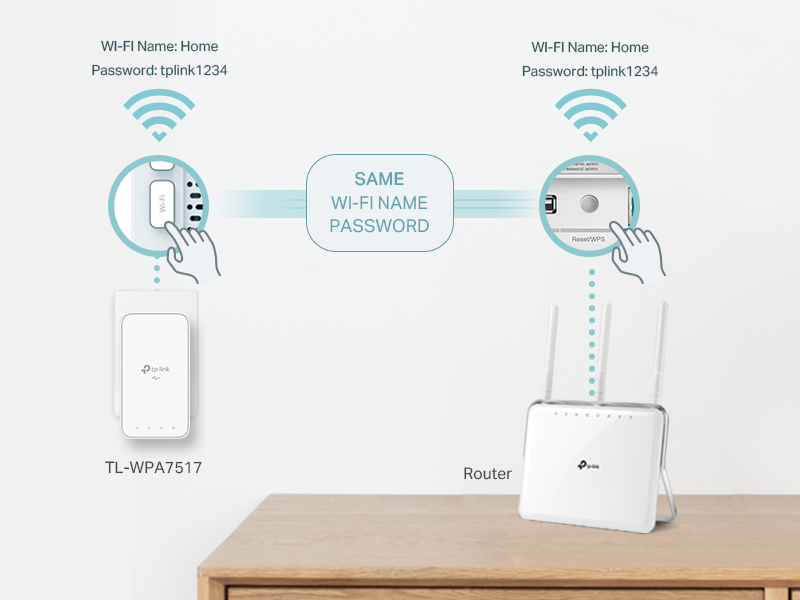
One-Touch WiFi configuration instantly copies your network name and password from your router for easy setup.
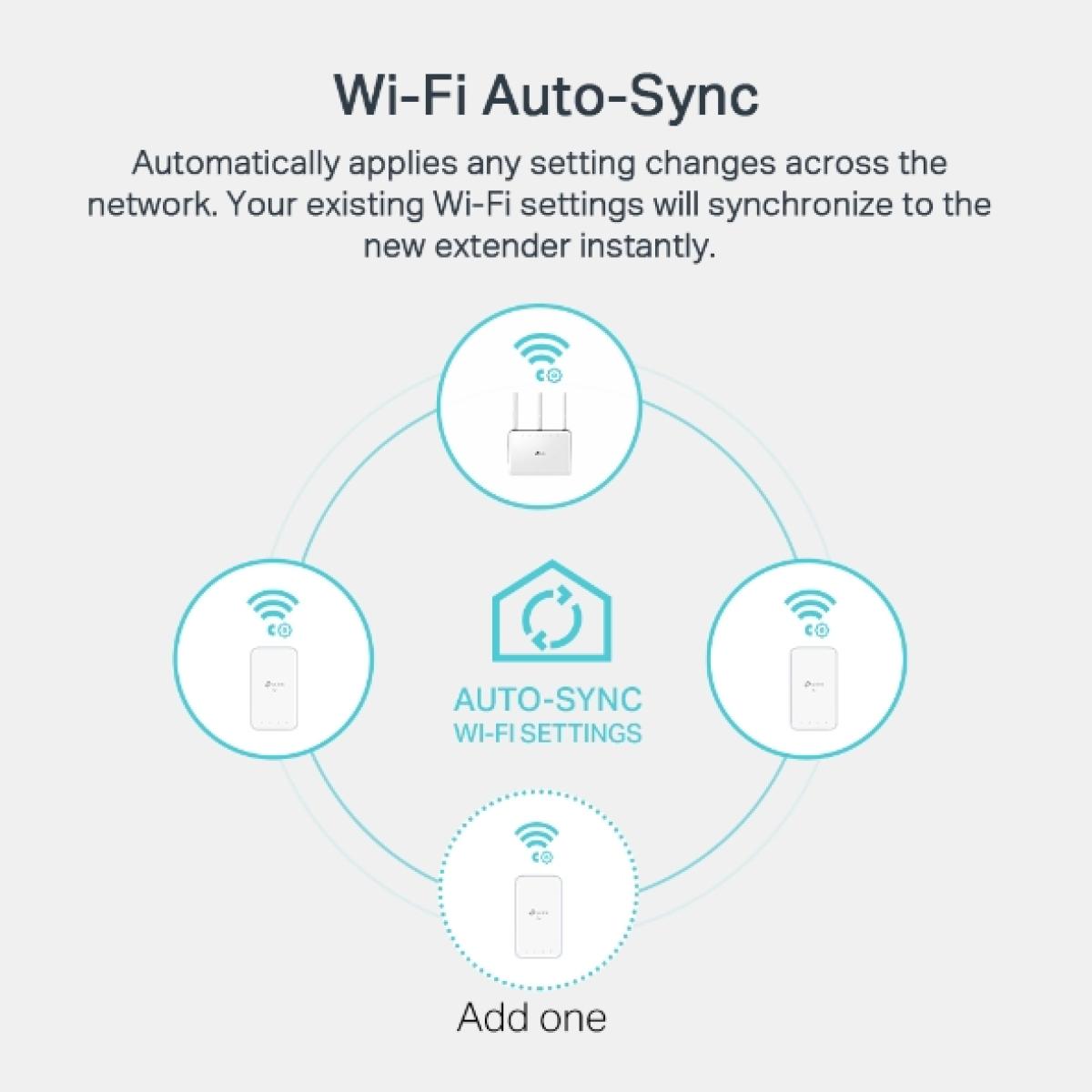
WiFi are also auto synced so that any setting changes would be automatically synchonized to the new powerline extender.
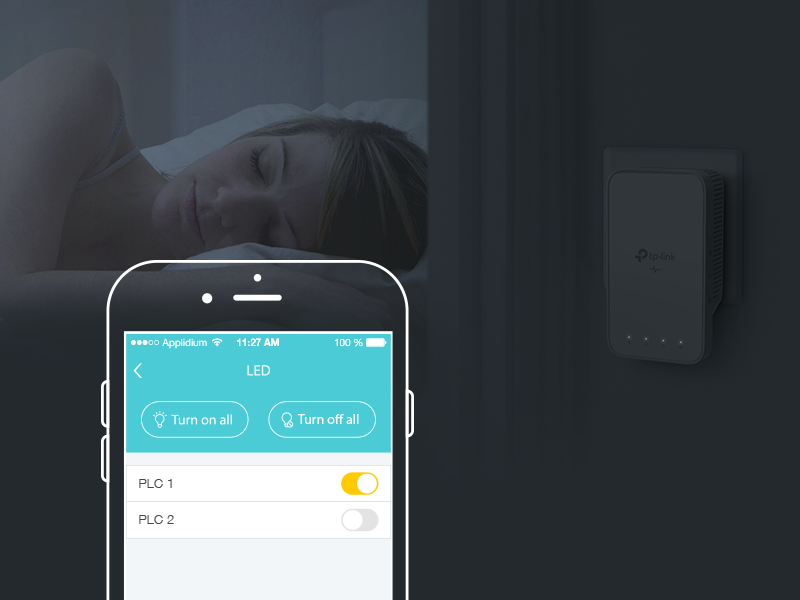
Manage your powerline Wi-Fi through tpPLC app from your smartphone(Android, iOS), or download new tpPLC utility on PCs to manage the powerline network
• View real time powerline speed
• LED control (also controlled by LED on/off button)
• Guest network
| Wireless Networking Specifications | |
|---|---|
| Interface | TL-WPA7517: 1 Ethernet PortTL-PA7017: 1 Ethernet Port |
| Button | Pair Reset Wi-Fi Clone LED On/Off |
| Wireless Standards | • TL-WPA7517: IEEE 802.11a/n/ac/ax 5 GHz IEEE 802.11b/g/n/ax 2.4 GHz• TL-PA7017: N/A |
| Frequency | • TL-WPA7517: 2.4 GHz and 5 GHz• TL-PA7017: N/A |
| Wireless Security | WPA-PSK / WPA2-PSK WEP Encrptions |
| Standards and Protocols | HomePlug AV2 HomePlug AV IEEE 1901 IEEE 802.3 IEEE 802.3u IEEE 802.3ab IEEE 802.11b/g/n (2.4GHz) IEEE 802.11a/n/ac (5GHz) |
| Power Consumption | TL-WPA7517: Maximum: 11W Typical: 6.5WTL-PA7017: Maximum: 2.9W Typical: 2.6W |
| Signal Rate | • TL-WPA7517: 300 Mbps at 2.4 GHz 433 Mbps at 5 GHz• TL-PA7017: N/A |
| Transmission Speeds | Powerline: Up to 1000 MbpsEthernet: 10/100/1000 Mbps |
| Compatibility | Compatible with all HomePlug AV & AV2 standard powerline adapters |
| Plug Type | US |
| LED Indicator | Power Powerline Ethernet Wi-Fi (2.4GHz) Wi-Fi (5GHz) |
| Range | Up to 300 meters / 1000 feet range over the existing household power circuit |
| Product Warranty | |
| Warranty | 1 Year |
| Physical Specifications | |
| Width X Depth X Height | 2.70in x 1.40in x 4.90in |
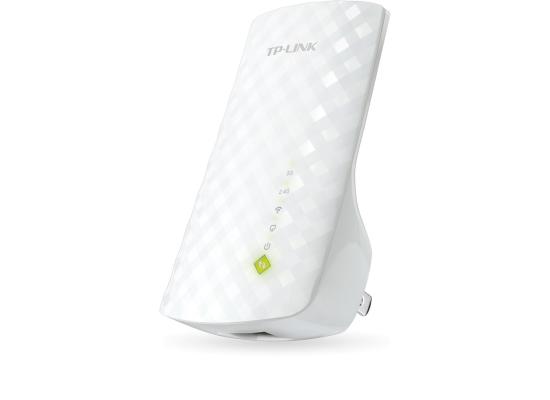
JOD 25.00 JOD 22.00
-12%
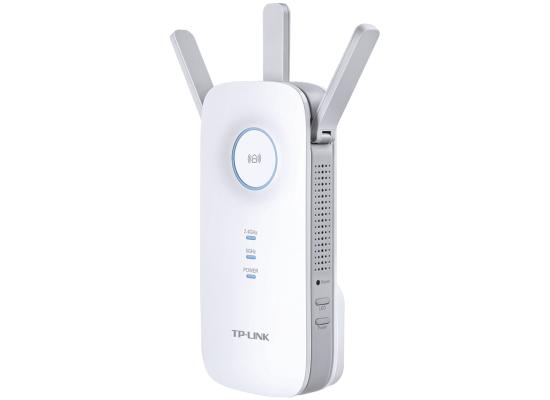
JOD 60.00 JOD 48.00
-20%




-550x400.jpg)
-550x400.jpg)